SciDraw AI Review: Publication-Ready Scientific Figures Without a Design Background
SciDraw AI turns text prompts and sketches into publication-ready scientific diagrams, biological pathway illustrations, and research schematics. Here is who it is built for and how it works.
Researchers and educators spend hours in PowerPoint, Illustrator, or BioRender building figures that should take minutes. SciDraw AI is built around the idea that if you can describe what you need, the AI should produce a draft you can refine, not a blank canvas you have to fill from scratch.
What SciDraw AI Does
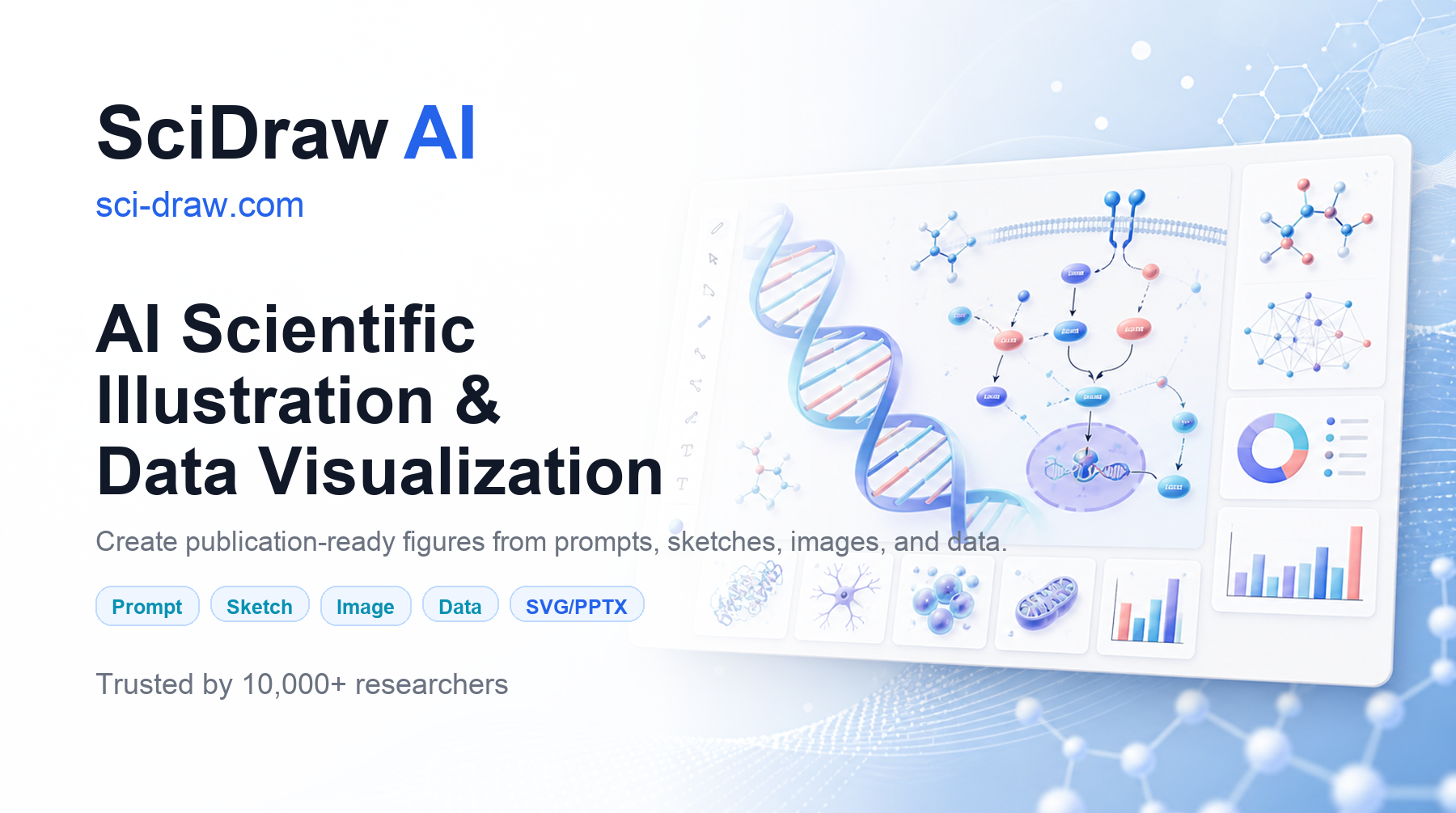
SciDraw AI is an AI-powered platform for creating scientific illustrations and diagrams. You describe what you want (a biological pathway, a research schematic, an experimental workflow, a graphical abstract) and the AI generates a publication-ready visual. From there you can edit individual elements, apply consistent styling, and export in the format your journal or institution requires.
The platform is not a general-purpose image generator. It is purpose-built for scientific communication, which means the outputs look like figures from published papers rather than AI art. The visual language (clean lines, labeled components, consistent color systems) is calibrated for research contexts where clarity matters more than style.
Who It Is Built For
PhD students and researchers preparing papers, posters, and grant applications who need publication-quality figures but do not have the design skills or time to build them in Illustrator or Inkscape. The process from description to a usable first draft averages three to five minutes according to SciDraw, versus hours of manual work.
Educators creating teaching materials, lecture slides, and textbook illustrations. Scientific diagrams for classrooms need to be accurate and clear but do not always need the same polish as journal figures, making the free tier a practical starting point.
Science communication teams at journals, universities, and research institutes producing graphical abstracts, press release visuals, and outreach materials. The API makes this particularly relevant for teams that need to integrate scientific figure generation into existing editorial or publishing workflows.
What You Can Create
SciDraw AI covers a broad range of scientific figure types:
- Research schematics and experimental workflow diagrams
- Biological pathway and cell signaling illustrations
- Graphical abstracts for journal submissions (TOC graphics)
- Scientific posters and presentation figures
- Educational figures and teaching illustrations
- Data-driven diagrams combining text and visual structure
Reusable templates and consistent visual styles help research teams maintain a coherent look across a paper's full figure set, which is one of the harder problems in scientific publishing when multiple people are contributing figures.
Export and Integration
SciDraw AI exports in two formats. High-resolution PNG is ready for immediate submission to journals or inclusion in slides and posters. Editable SVG lets you bring the figure into Illustrator, Figma, or Inkscape for further refinement without losing vector quality. This is the right call for a scientific tool: most researchers have a preferred design environment and SVG export means SciDraw fits into existing workflows rather than replacing them.
For teams and institutions, SciDraw provides a documented API with endpoints for image generation, editing, format conversion, job status, and credit balance. This makes it practical to embed scientific figure creation into publishing pipelines, educational platforms, or internal lab tools without going through the web interface manually.
Pricing
SciDraw AI has a free tier with 10 credits on signup and 5 free credits every day. Paid plans start at $10 per month for 300 credits, $20 per month for 800 credits, and $40 per month for 2,000 credits. Annual billing is available at a lower effective monthly rate.
One important note on licensing: images generated on the free plan are for personal and evaluation use only. Journal publication and commercial use require a paid plan. For anyone submitting figures to a journal, the $10 per month plan is the minimum to use legally.
How It Compares to BioRender
BioRender is the established tool in this space, with a large library of pre-built scientific icons and assets. The key difference is the starting point: BioRender gives you building blocks to assemble manually; SciDraw starts from your text description and generates the figure. For researchers who know what they want but lack the design fluency to build it piece by piece, SciDraw's approach removes the skill barrier that makes BioRender frustrating for non-designers.
BioRender's pricing starts at $99 per month for full publication rights. SciDraw's publication-eligible plan starts at $10 per month, which is a meaningful difference for PhD students and independent researchers on limited budgets.
Bottom Line
If you spend meaningful time building scientific figures and you are not a trained designer, SciDraw AI is worth trying on the free tier. The daily free credits are enough to evaluate whether the output quality works for your field and figure type before committing to a paid plan.
For researchers preparing a paper or poster who need publication-ready figures without a $99 per month BioRender subscription, the $10 per month plan gives you 300 credits and full publication rights. At that price point, the time saved on even one complex figure justifies it.
Frequently Asked Questions
Can I use SciDraw AI figures in published journal papers?
Journal publication requires a paid plan. Images generated on the free plan are for personal and evaluation use only. The entry-level paid plan at $10 per month includes full publication and commercial use rights. Check SciDraw's current terms at sci-draw.com before submitting to a journal.
What file formats does SciDraw AI export?
SciDraw AI exports high-resolution PNG for immediate use in submissions, slides, and posters, and editable SVG for further refinement in vector design tools like Illustrator, Figma, or Inkscape. SVG export preserves vector quality so you can scale and edit individual elements without quality loss.
Does SciDraw AI have an API for institutional use?
Yes. SciDraw provides documented API endpoints covering image generation, editing, format conversion, job status monitoring, and credit balance. This makes it suitable for embedding scientific figure generation into publishing platforms, educational tools, or laboratory information management systems.
How does SciDraw AI compare to drawing figures manually in PowerPoint or Illustrator?
SciDraw AI generates a usable draft figure from a text description in three to five minutes on average. Building the equivalent figure manually in PowerPoint typically takes one to two hours, and in Illustrator longer still if you do not have design experience. SciDraw is not a replacement for final polish in a design tool, but it eliminates the blank-canvas starting point that consumes most of the time.
Is SciDraw AI suitable for non-scientific educational diagrams?
SciDraw AI is purpose-built for scientific communication: biological pathways, research schematics, experimental workflows, and similar technical figures. It is not a general-purpose diagram or infographic tool. For non-scientific educational diagrams or business graphics, a general-purpose AI design tool would be a better fit.